More Stickers
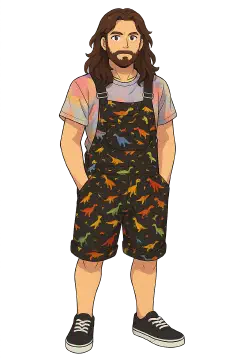
I ran out of stickers, i’ve handed out over a 1 hundred of the “me” stickers I made for DEFCON last year. So it was time to make some more…
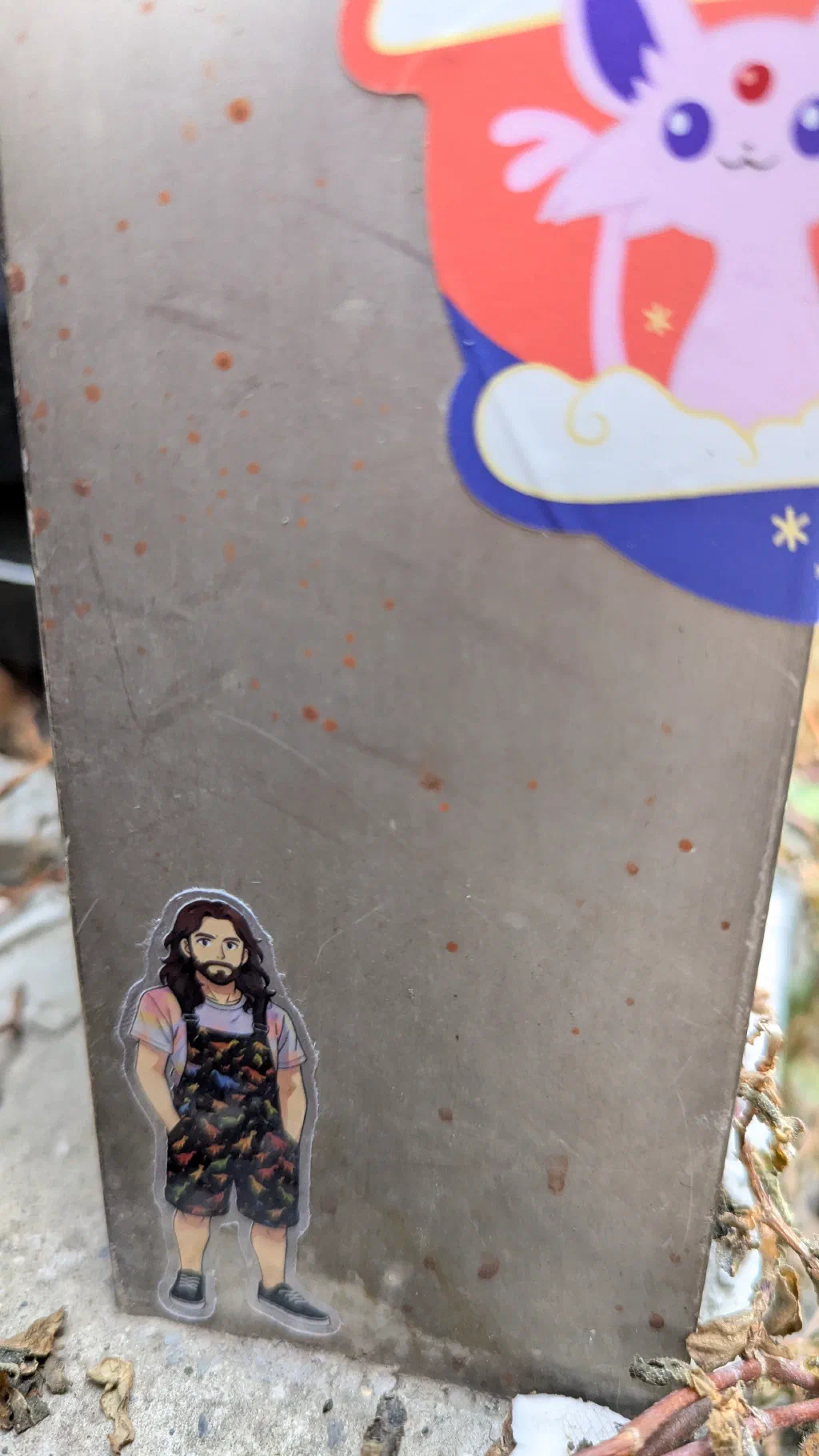
One of my original stickers on a sticker pole in Tokyo
If you have read my previous post on stickers, you will have seen the “me” sticker I made for DEFCON. These were based on my rainbow-dino-dungarees, but I also have another pair of dino-dungarees, so the plan was to make a new version to match them.
Procreate
I traced 2 the AI image I had used last time in Procreate, and took the opportunity to break the colouring down into a large number of layers3 ready for texturing later.
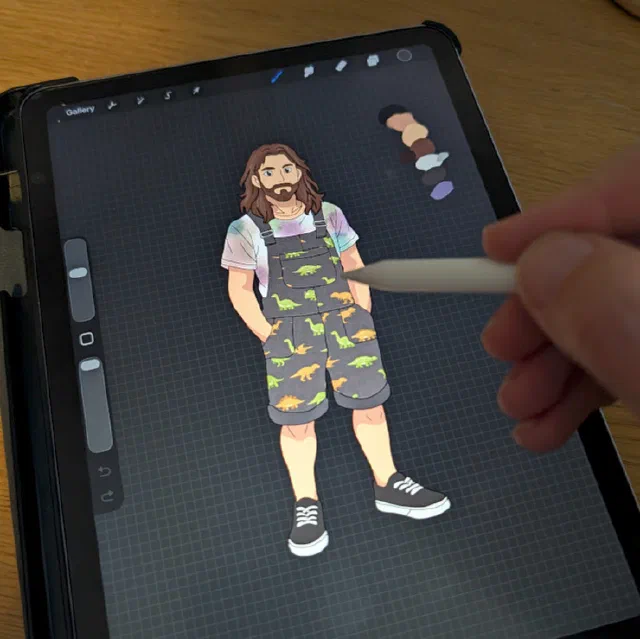
‘Working’ on the new design
Printing
For all the stickers I have made so far I’ve used StickerApp for printing, and whilst I have been very happy with the output they are not the cheapest option around so I decided to try a new company this time, StickerShop.
Both orders were for transparent, glossy, die-cut4 stickers, so here’s how they compared:
| Printer | Order | Price | Price per Sticker |
|---|---|---|---|
| StickerApp | Transparent / Glossy 2.5x6.2cm 100 pcs | £36.00 | 36p |
| StickerShop | Transparent / Glossy 2.7x7.0cm 150 pieces (across three designs) | £43.20 | 28p |
Samples
These two prints were ordered with slightly different sizes, but should be roughly comparable.
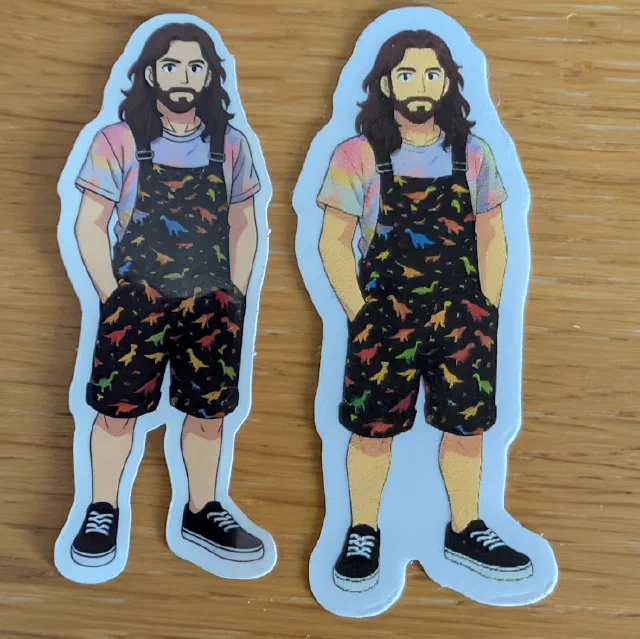
Left: StickerApp, right: StickerShop
As you can see, the StickerShop sticker is significantly lower resolution, which has led to muddier looking colours. Less obvious in photos is that, although both were ordered as gloss, the StickerShop print has a noticeable texture, while the StickerApp version feels smooth.
Delivery
Delivery from StickerShop was very quick, and cheap, where as StickerApp ask for quite a premium, for expedited delivery. Both came suitably packaged, but StickerApp do provide a sample pack on first orders of all the different finished they can provide.
All The Designs
So far we have two “me” stickers, the rainbow dinos, and the dinos on grey. Which roughly match two sets of dungarees I own. On top of this as we were going to an event (BarCamp Canterbury5) I got an AI model to whip up a similar design of my partner to take with us, which match her dungarees. This design like the first “me” sticker was only in AI, but we can always re-create this in procreate in the future to make more designs.
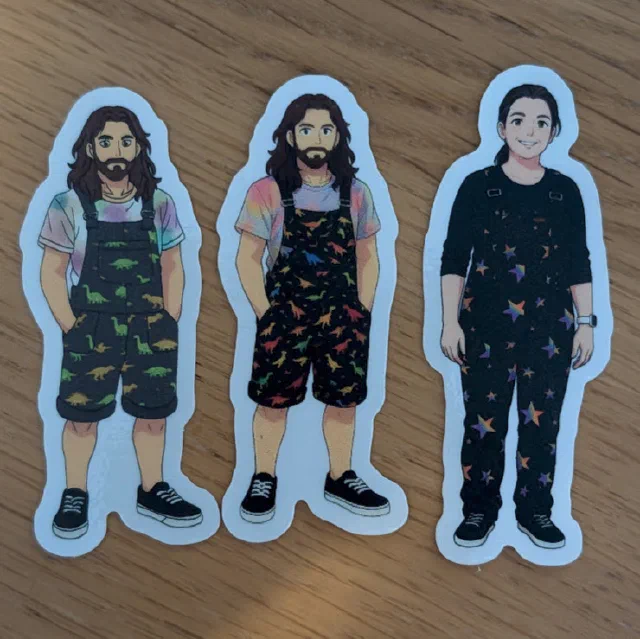
The full mini set: two ‘me’ designs plus one for my partner.
Stickers we handed out at this event have already started travelling around the world.
Final Thoughts
For price and ease of ordering I am happy with the new round of stickers from StickerShop especially the ease of getting multiple designs of the same spec done at once, and the price difference. I do have a list of other producers to try. I will update this (or more realistically make another post) when I make another order. I do have another design in mind… But for the highest quality for now I think I will go back to StickerApp especially for larger print runs of the same design.
-
There must be so many
mini me'sstuck to things now. ↩︎ -
I’m not ripping off anyone’s content here. It’s ok to trace, just don’t claim other people’s work as your own. ↩︎
-
I may write more about this in a future post, but copying artwork into layer masks in Procreate is neither obvious nor consistent — it took quite a bit of trial and error to get right. ↩︎
-
Die-cut means the sticker is cut to the exact shape of the design (rather than rectangular), which gives a much neater finish. ↩︎
-
BarCamp Canterbury is a free, community-run unconference where anyone can pitch a talk or session on the day. It’s a great mix of tech, making, and general curiosity — very informal, no fixed agenda until people start filling in the grid. I’ve written about previous events here: BarCamp Canterbury 8 and BarCamp Season. ↩︎