A Case for the EmailKB
The emailkb is a compact six-key macro pad that’s been living loose on my desk for a day or two. (If you haven’t seen the previous post about it, that’s probably worth a read first.) The fear of shorting it on some of the mess on my desk was real however, so I designed a case for it in FreeCAD, printed a few iterations, and eventually landed on something that fits together properly and looks quite nice.
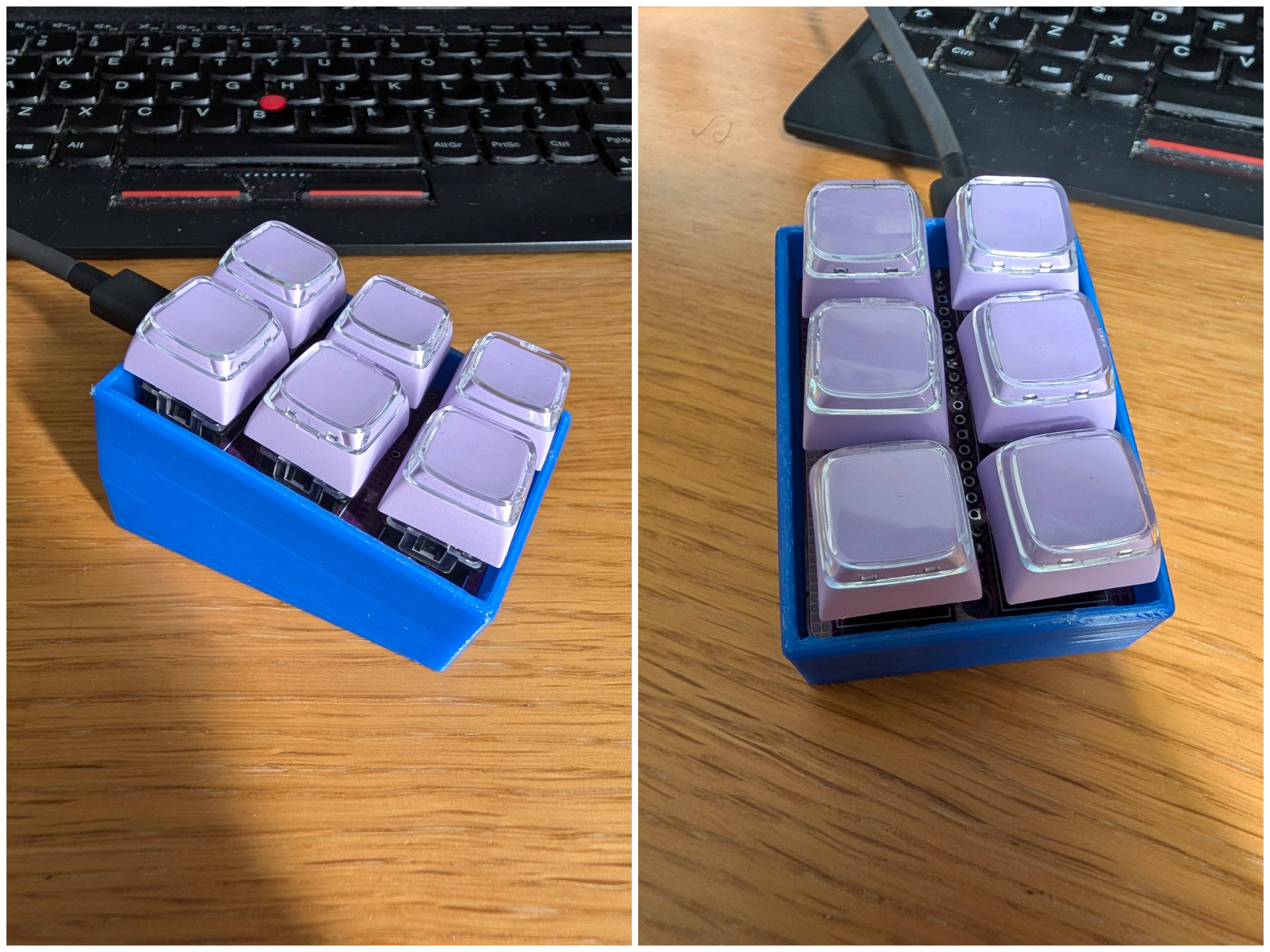
Finished EmailKB Case in Blue PETG
Designing in FreeCAD
The design is a stand: a printed base that the PCB clips into, holding it at a comfortable angle on the desk. No lid, no screws, just a snap-fit that keeps the board seated securely without making it a pain to remove.
Getting the snap-fit geometry right took a bit of back and forth. The tolerances on these things are fussier than you’d expect. Too tight and the PCB won’t go in; too loose and it just rattles. Using FreeCAD’s parametric approach properly might have helped here, but I could still quickly adjust the fit values and regenerate the model quickly without redrawing anything.
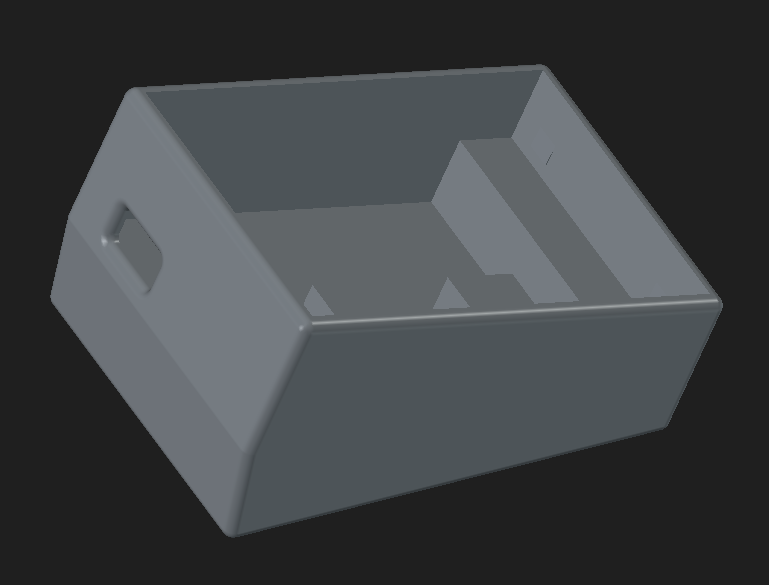
Freecad 3d Render of the case.
Iterating quickly
One thing that made this less painful than it could have been: draft-quality prints are fast, and my bambu1 A1-Mini has been a workhorse. A full print of the stand came out in about 20 minutes at draft settings. That’s quick enough that you don’t mind binning it and trying again.
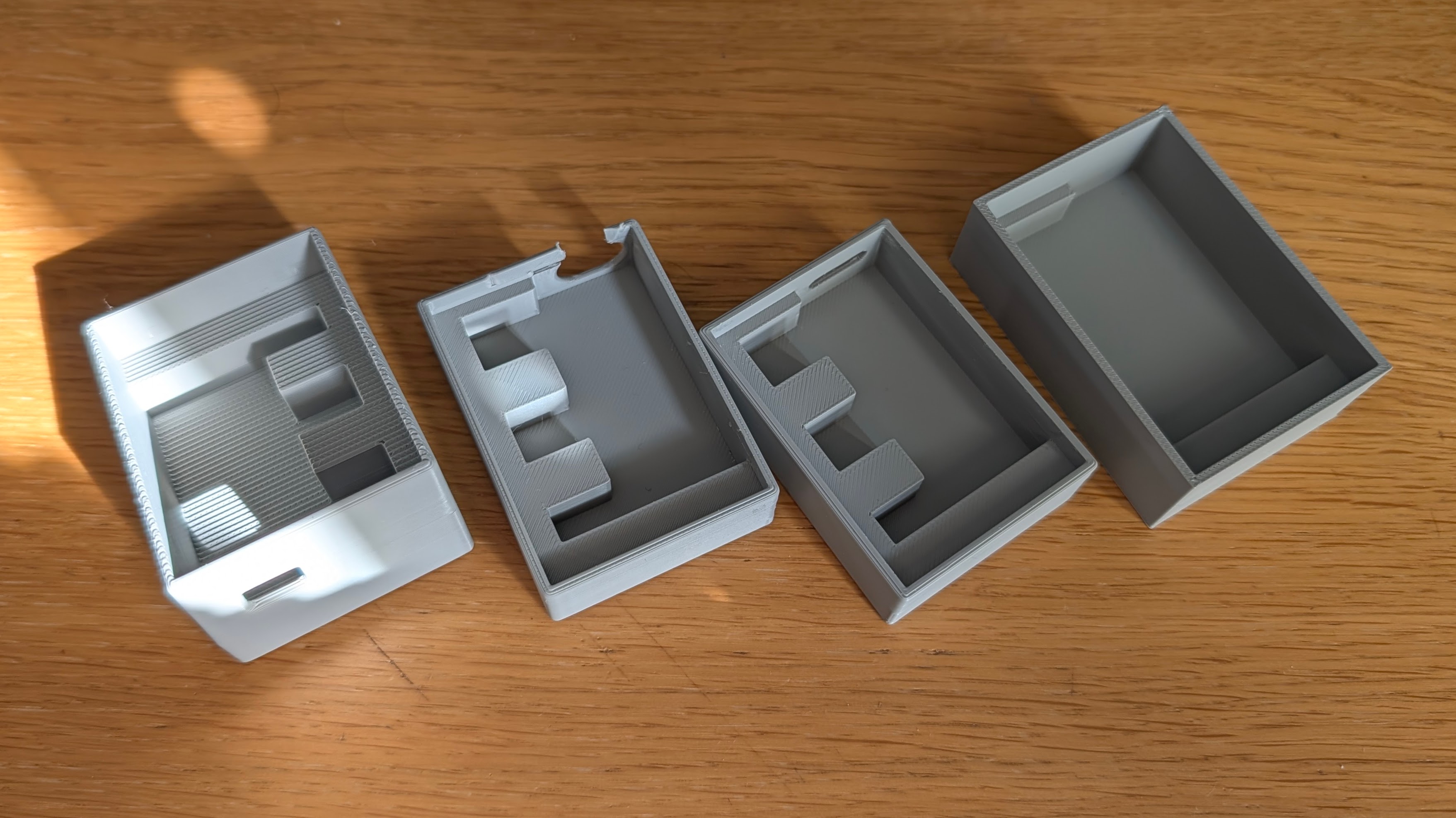
Stand Base Iterations
For the USB-C cutout specifically, I worked out an even quicker trick: slice off just the section of the model that contains the port aperture and print only that part. It’s a few grams of plastic and takes a couple of minutes. Much better than printing the whole stand to find the hole is too small, and in the wrong place.
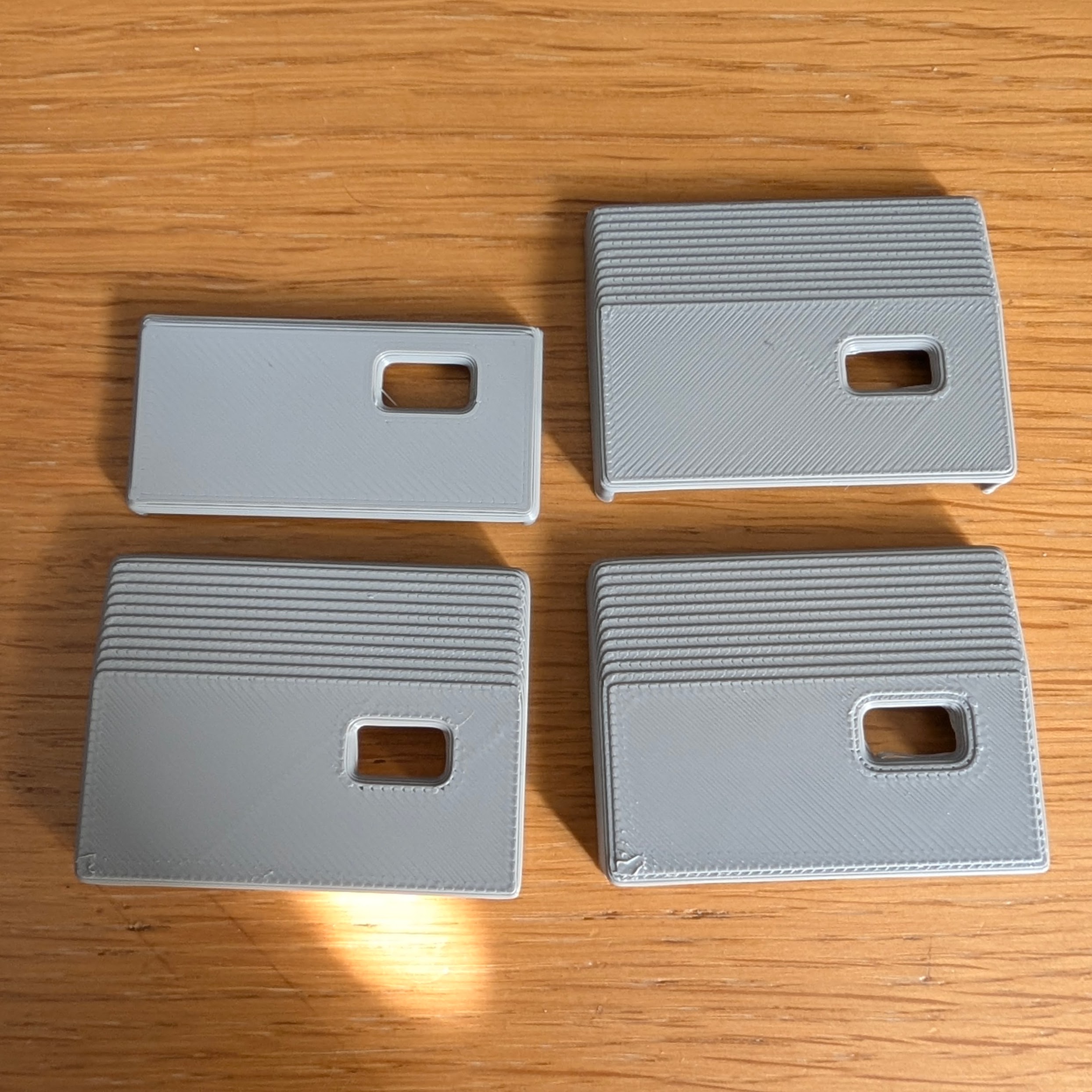
USB-C Cutout Iterations
The final print
Once I was happy with the fit, I switched to PETG for the final version. It’s more durable than PLA and a bit more flexible, which suits the snap-fit nicely.
The downside is supports. PETG loves to weld itself to support material. I never really got them out cleanly, even with some patience and a pair of pliers, luckily the print orientation meant the mess was hidden under the PCB. This might be worth knowing if you’re printing this yourself.
Get the file
The 3MF file is available here if you want to print your own. It’s set up ready to slice, just make sure you enable supports for overhangs.
-
This was printed on my Bambu A1 Mini. I use a mix of Bambu Labs filament and Sunlu filament. If you’re interested in 3D printing, I’ve also written about printing a split flap display and designing a bezel for a pedestrian crossing installation. ↩︎